•7 min read
How to Format JSON in 2026
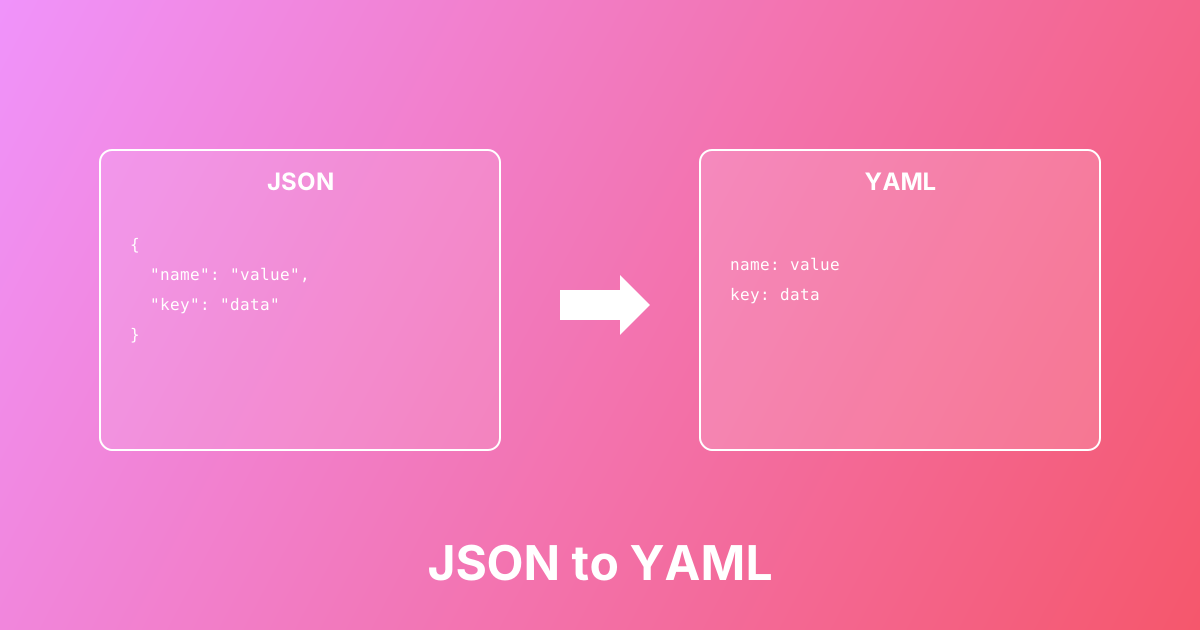
Convert between JSON and YAML formats easily. Learn the differences, use cases, and best practices for configuration files.
Unescape JSON strings by converting escape sequences back to readable characters for easy reading
This Unescape JSON String tool converts JSON escape sequences back into their original characters, making JSON strings readable and usable. When you extract strings from JSON APIs, databases, or log files, they often contain escape sequences like \n (newline), \t (tab), \" (quote), and \\ (backslash). This tool decodes these sequences back to actual characters, helping you debug API responses, read JSON logs, and work with JSON data more effectively.
Paste a JSON string containing escape sequences
Click Unescape to convert sequences to actual characters
Copy the readable, unescaped text
Use the text in your application, logs, or for debugging
Decode JSON strings from REST API responses
Read JSON log files with escaped messages
Convert JSON database values to readable text
Debug JSON payloads with escape sequences
Extract readable text from JSON configuration files
Parse JSON strings in development and testing
Unescapes all JSON escape sequences automatically
Handles \n, \t, \", \\, and Unicode sequences
Real-time conversion as you type
One-click copy for quick workflow
Client-side processing - your data stays private
Learn more about this tool with our in-depth guides
Convert between JSON and YAML formats easily. Learn the differences, use cases, and best practices for configuration files.