•7 min read
How to Format JSON in 2026
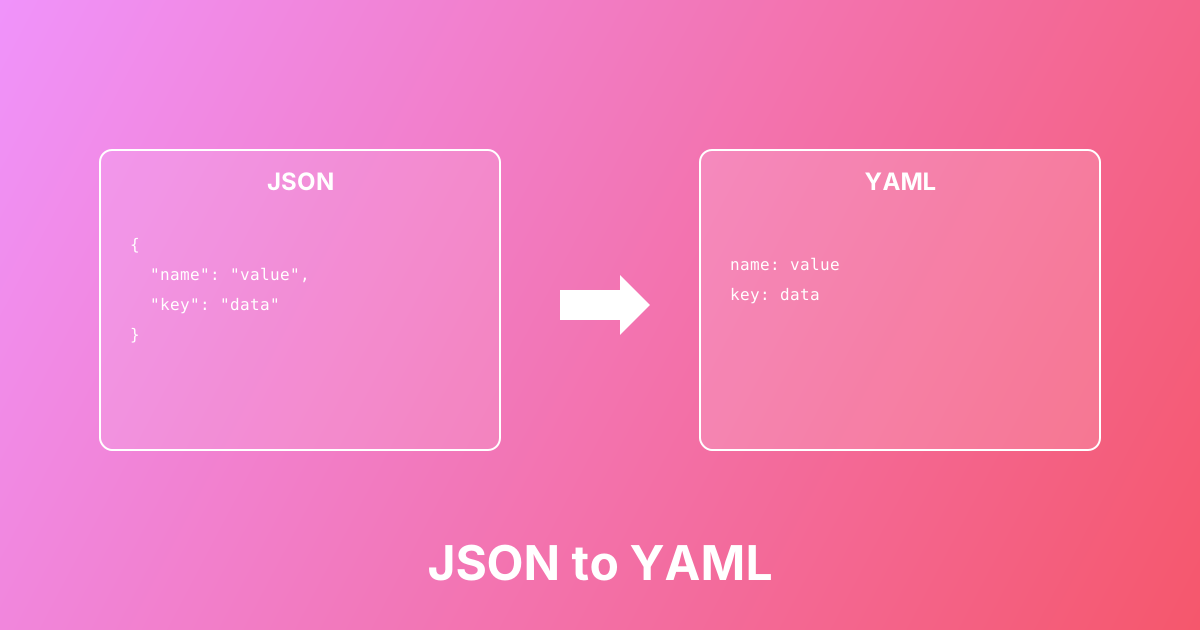
Convert between JSON and YAML formats easily. Learn the differences, use cases, and best practices for configuration files.
Escape text into JSON-safe strings by converting quotes, backslashes, and newlines into escape sequences
This JSON Escape tool converts plain text into JSON-safe strings by escaping special characters. JSON requires characters like quotes, backslashes, newlines, and tabs to be escaped using sequences such as \", \\, \n, and \t. If you've encountered "Unexpected token" or "Invalid JSON" errors, proper string escaping is often the solution—especially critical for multiline text, file paths, and user-generated content in JSON payloads.
Paste plain text that needs to be used in a JSON string
Click Escape to convert special characters to escape sequences
Copy the escaped output and use it in your JSON payload
Validate your JSON using a JSON formatter to ensure it's valid
Fix JSON parse errors caused by unescaped quotes and newlines
Escape multiline text for JSON API requests and responses
Convert Windows file paths with backslashes for JSON configs
Prepare user input for safe storage in JSON format
Escape log messages and error text for JSON logging systems
Create valid JSON strings for configuration files
Escapes quotes, backslashes, newlines, tabs, and control characters
Instant conversion with real-time preview
One-click copy to clipboard
Prevents JSON parse errors and syntax issues
Runs locally in your browser - privacy-friendly
Learn more about this tool with our in-depth guides
Convert between JSON and YAML formats easily. Learn the differences, use cases, and best practices for configuration files.