DevConverter
JSON & Data
Encoding & Decoding
Security & Crypto
Text Utilities
Time & Date
Utilities
Blog
Categories
Encoding & Decoding
Escape JSON String

Escape JSON String

Escape strings for JSON by converting special characters into escape sequences for valid JSON syntax

Text (Plain)
Input
Mode
JSON String (Escaped)
Output

What is Escape JSON String?

This Escape JSON String tool helps you convert plain text into valid JSON string values by escaping special characters. When building JSON payloads, API requests, or configuration files, strings must have their quotes, backslashes, newlines, and tabs properly escaped. This tool automatically converts these characters to their escape sequence equivalents (\", \\, \n, \t), preventing "Unexpected token" errors and ensuring your JSON is syntactically valid.

How to Use

1

Paste the text you want to use as a JSON string value

2

Click Escape to convert special characters to escape sequences

3

Copy the escaped string and insert it into your JSON

4

Test your JSON with a validator to confirm it's properly formatted

Common Use Cases

Prepare text for JSON API request bodies

Escape user input before storing in JSON format

Convert multiline strings for JSON configuration files

Fix JSON syntax errors caused by unescaped characters

Escape file paths and URLs for JSON payloads

Prepare log messages for JSON logging systems

Key Features

Escapes all JSON special characters automatically

Handles quotes, backslashes, newlines, tabs, and control characters

Real-time conversion as you type

One-click copy for quick workflow

Client-side processing - your data stays private

Related Articles

Learn more about this tool with our in-depth guides

How to Format JSON in 2026
Jan 4, 2025•7 min read

How to Format JSON in 2026

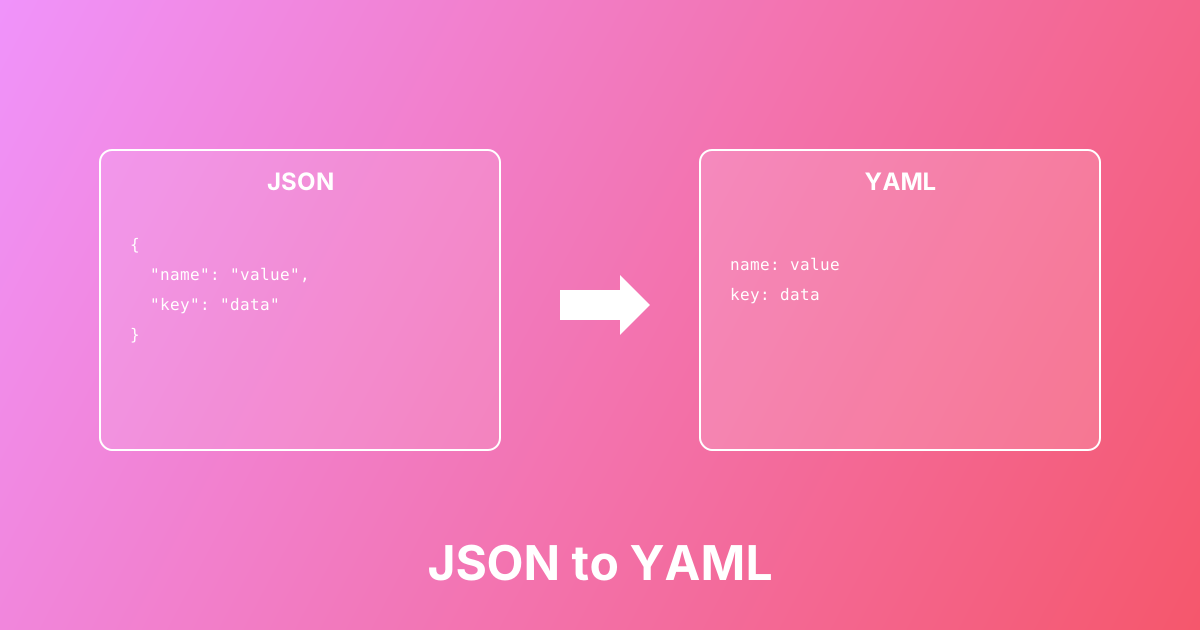
Convert between JSON and YAML formats easily. Learn the differences, use cases, and best practices for configuration files.

#json#yaml#conversion+2

Quick Examples

Try these to get started

Escape text with quotes

Escape quotes for valid JSON string

She said "Hello World"

Escape multiline message

Convert multiline text to single-line JSON string

Error occurred:
File not found
Please check the path

Escape path with backslashes

Escape Windows path for JSON

D:\Projects\app\config.json

Common Questions

Find answers quickly

Related Tools

You might also need

JSON Escape & Unescape

Escape text for JSON strings (quotes, slashes, newlines) or unescape JSON-encoded strings back to readable text

JSON Escape

Escape text into JSON-safe strings by converting quotes, backslashes, and newlines into escape sequences

JSON Unescape

Unescape JSON strings back to readable text by converting escape sequences to actual characters

Unescape JSON String

Unescape JSON strings by converting escape sequences back to readable characters for easy reading

JSON Formatter & Validator

Format, validate, beautify, and minify JSON with instant error detection

Base64 Encoder / Decoder

Encode text to Base64 or decode Base64 to text — includes Base64URL (JWT) mode and padding control

URL Encoder & Decoder

Encode or decode URL strings and query parameters using percent-encoding (UTF-8)

DevConverter

Free, fast, and secure online developer tools. All processing happens in your browser for complete privacy.

DevConverter GitHub RepositoryDevConverter LinkedIn ProfileEmail DevConverter

Popular Tools

  • JSON Formatter
  • Base64 Encoder
  • JWT Decoder
  • Hash Generator

Categories

  • JSON & Data
  • Encoding & Decoding
  • Security & Crypto
  • Text Utilities
  • Time & Date
  • Utilities

Company

  • About Us
  • Blog
  • FAQ
  • Privacy Policy
  • Terms of Service
  • Contact
© 2026 DevConverter. All rights reserved.
Made with ❤️ for developers worldwide