DevConverter
JSON & Data
Encoding & Decoding
Security & Crypto
Text Utilities
Time & Date
Utilities
Blog
Categories
Encoding & Decoding
JSON Unescape

JSON Unescape

Unescape JSON strings back to readable text by converting escape sequences to actual characters

JSON (Escaped)
Input
Mode
Text (Unescaped)
Output

What is JSON Unescape?

This JSON Unescape tool converts JSON escape sequences back into readable text. When you receive JSON strings from APIs or databases containing sequences like \n, \t, \", or \\, this tool decodes them back to newlines, tabs, quotes, and backslashes. This is essential for debugging API responses, reading JSON logs, converting escaped strings from databases, and making JSON content human-readable.

How to Use

1

Paste JSON string containing escape sequences (e.g., \n, \t, \")

2

Click Unescape to convert sequences back to actual characters

3

Copy the unescaped, readable text for use in your application

4

Use for debugging APIs, parsing responses, or reading JSON logs

Common Use Cases

Decode JSON strings from API responses and web services

Convert escaped JSON from database query results

Debug JSON content that shows escape sequences

Read JSON log files with escaped messages

Parse JSON configuration files with escaped values

Convert legacy JSON data with escape sequences

Key Features

Unescapes all JSON escape sequences (\n, \t, \", \\, etc.)

Handles Unicode escape sequences (\u0000)

Instant conversion with real-time preview

One-click copy to clipboard

Runs locally in your browser - privacy-friendly

Related Articles

Learn more about this tool with our in-depth guides

How to Format JSON in 2026
Jan 4, 2025•7 min read

How to Format JSON in 2026

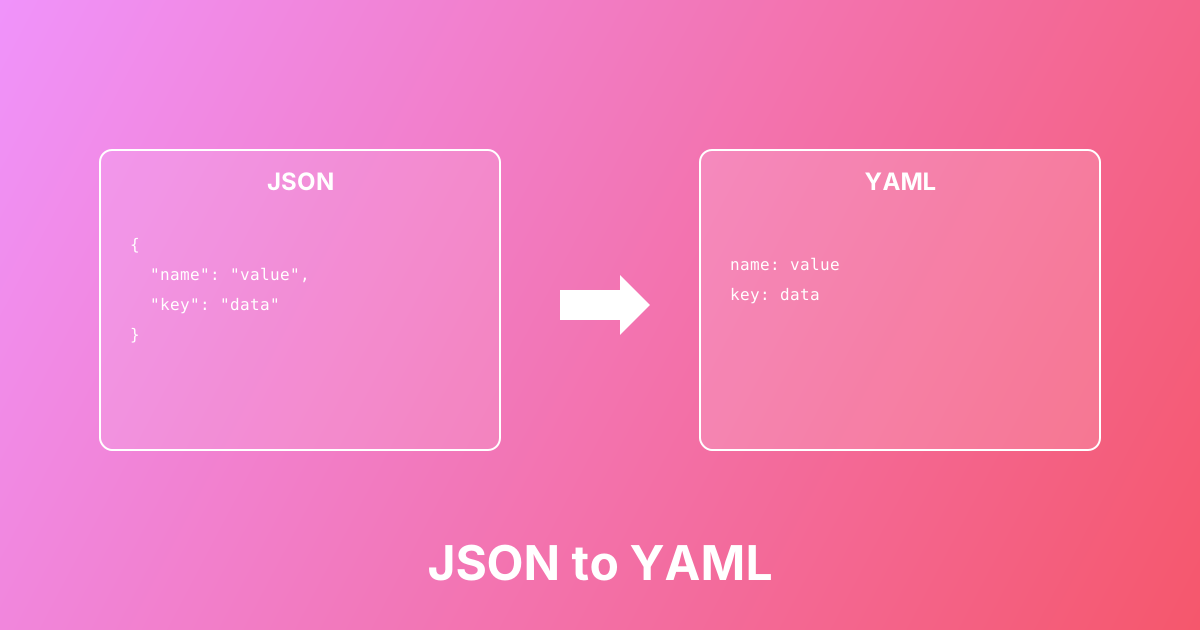
Convert between JSON and YAML formats easily. Learn the differences, use cases, and best practices for configuration files.

#json#yaml#conversion+2

Quick Examples

Try these to get started

Unescape JSON string

Convert escape sequences back to readable text

Hello \"World\"\nNew line here

Unescape file path

Convert escaped backslashes to normal path

C:\\Users\\Documents\\file.txt

Unescape multiline JSON

Convert \n sequences to actual newlines

Line 1\nLine 2\nLine 3

Common Questions

Find answers quickly

Related Tools

You might also need

JSON Escape & Unescape

Escape text for JSON strings (quotes, slashes, newlines) or unescape JSON-encoded strings back to readable text

JSON Escape

Escape text into JSON-safe strings by converting quotes, backslashes, and newlines into escape sequences

Escape JSON String

Escape strings for JSON by converting special characters into escape sequences for valid JSON syntax

Unescape JSON String

Unescape JSON strings by converting escape sequences back to readable characters for easy reading

JSON Formatter & Validator

Format, validate, beautify, and minify JSON with instant error detection

Base64 Encoder / Decoder

Encode text to Base64 or decode Base64 to text — includes Base64URL (JWT) mode and padding control

URL Encoder & Decoder

Encode or decode URL strings and query parameters using percent-encoding (UTF-8)

DevConverter

Free, fast, and secure online developer tools. All processing happens in your browser for complete privacy.

DevConverter GitHub RepositoryDevConverter LinkedIn ProfileEmail DevConverter

Popular Tools

  • JSON Formatter
  • Base64 Encoder
  • JWT Decoder
  • Hash Generator

Categories

  • JSON & Data
  • Encoding & Decoding
  • Security & Crypto
  • Text Utilities
  • Time & Date
  • Utilities

Company

  • About Us
  • Blog
  • FAQ
  • Privacy Policy
  • Terms of Service
  • Contact
© 2026 DevConverter. All rights reserved.
Made with ❤️ for developers worldwide