DevConverter
JSON & Data
Encoding & Decoding
Security & Crypto
Text Utilities
Time & Date
Utilities
Blog
Categories
JSON & Data
JSON Formatter & Validator

JSON Formatter & Validator

Format, validate, beautify, and minify JSON — instantly detect errors and debug API payloads safely in your browser.

JSON Input
Input
View Mode
Formatted JSON
Output

Formatted JSON output will appear here…

What is JSON Formatter & Validator?

JSON Formatter & Validator is a fast, developer-friendly tool to format (pretty print), validate, view, and minify JSON. It’s designed for real-world work with APIs, webhooks, configs, and logs — where JSON is often minified, deeply nested, or slightly broken. Paste any JSON payload to instantly validate syntax, spot common errors (missing commas, trailing commas, unquoted keys, mismatched brackets), and render a clean structured output. When you're ready to ship, switch to minify mode to reduce payload size. Everything runs locally in your browser for privacy and speed — no server uploads.

How to Use

1

Paste or type JSON into the input editor (API response, config, webhook payload, etc.)

2

Instant validation checks syntax and highlights errors (line/column) when possible

3

Choose a view mode: Tree for navigation, Pretty for readable formatting, or Minify for compact output

4

Fix syntax issues (missing commas, quotes, or brackets) and re-validate instantly

5

Copy the formatted/minified output for your codebase, docs, or API requests

Common Use Cases

Debugging REST/GraphQL API responses and request bodies

Validating JSON before sending it in Postman, curl, Insomnia, or a client SDK

Beautifying minified JSON from logs to understand structure quickly

Minifying JSON fixtures for production or bundling

Reviewing webhook payloads (Stripe/GitHub/etc.) and extracting fields

Normalizing config files (e.g., app settings, feature flags, translations)

Learning JSON nesting by exploring objects/arrays in a tree viewer

Comparing payload shapes during refactors and API version upgrades

Key Features

Real-time JSON validation

Highlights syntax errors to help you fix JSON fast

Tree + Pretty + Minify modes

Switch between readable views and compact output

Developer-focused UX

Copy, clear, share, and examples for quick testing

Handles nested data

Great for large objects and arrays from APIs and logs

Local processing (privacy-first)

Runs entirely in your browser (no uploads)

Useful for docs & debugging

Clean formatting ideal for tickets, PRs, and documentation

Works with common JSON pitfalls

Detects malformed structures and common syntax mistakes

Fast & lightweight

Designed for speed and smooth interactions

Related Articles

Learn more about this tool with our in-depth guides

How to Format JSON in 2026
Jan 4, 2025•7 min read

How to Format JSON in 2026

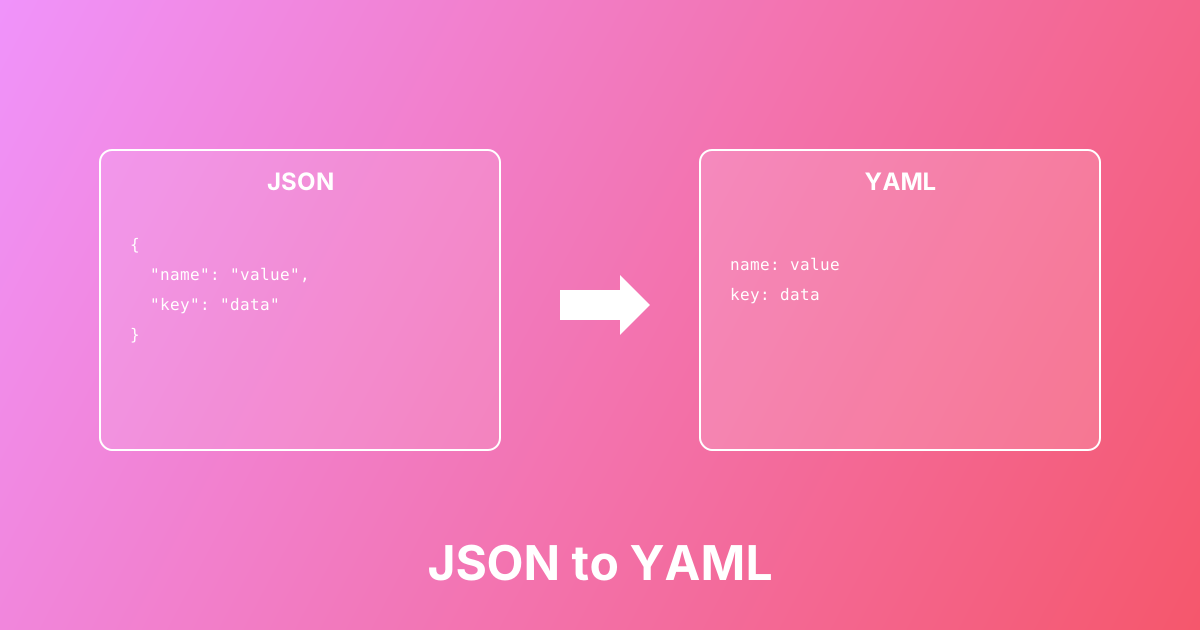
Convert between JSON and YAML formats easily. Learn the differences, use cases, and best practices for configuration files.

#json#yaml#conversion+2

Quick Examples

Try these to get started

Pretty print compact JSON (common API response)

Convert compact JSON into a readable, indented structure for debugging.

{"id":123,"user":{"name":"Alice","email":"alice@example.com"},"roles":["admin","editor"],"active":true}

Validate nested arrays and objects

Validate deeply nested JSON and make it easier to inspect in Tree view.

{"users":[{"id":1,"name":"Alice","meta":{"plan":"pro","flags":["beta","new-ui"]}},{"id":2,"name":"Bob","meta":{"plan":"free","flags":[]}}]}

Minify formatted JSON for production

Remove whitespace and line breaks to reduce payload size.

{
  "name": "John",
  "age": 30,
  "tags": ["dev", "api", "json"],
  "active": true
}

Webhook payload example (GitHub-style)

Typical webhook JSON: format it to quickly locate fields like title, labels, and repo.

{"action":"opened","pull_request":{"id":999,"title":"Fix auth edge case","user":{"login":"octocat"},"labels":[{"name":"bug"},{"name":"security"}]},"repository":{"full_name":"acme/api"}}

Error case: Missing comma (common JSON mistake)

Shows how validation catches missing commas between properties.

{
  "name": "Alice"
  "age": 28
}

Error case: Trailing comma (invalid in strict JSON)

Strict JSON does not allow trailing commas — validate and fix quickly.

{
  "name": "Alice",
  "age": 28,
}

Escape-heavy strings (logs / stack traces)

Format JSON that contains lots of escaped quotes and debug logs.

{"level":"error","message":"Unexpected token \"}\" at position 42","path":"/api/users","meta":{"requestId":"req_abc123"}}

Config file example (feature flags)

Great for formatting feature-flag configs and validating before deployment.

{"features":{"newCheckout":true,"fastSearch":false},"rollout":{"percentage":15,"allowlist":["user_1","user_2"]},"env":"production"}

GeoJSON-like structure (mapping / location data)

Format nested coordinate arrays and properties for inspection.

{"type":"Feature","geometry":{"type":"Point","coordinates":[34.7818,32.0853]},"properties":{"name":"Tel Aviv","category":"city"}}

Large list example (pagination response)

Format paginated responses and drill into error objects.

{"page":2,"pageSize":3,"total":12,"items":[{"id":"a1","status":"ok"},{"id":"a2","status":"ok"},{"id":"a3","status":"failed","error":{"code":"E_TIMEOUT","retry":true}}]}

Boolean/null/number types (type sanity check)

Confirm types quickly when debugging parsing or schema issues.

{"isActive":false,"deletedAt":null,"count":0,"ratio":0.75,"meta":{"verified":true}}

JWT claims JSON (payload-style example)

Format token claims to inspect fields like exp/iat/iss/aud/scope.

{"sub":"user_123","iat":1700000000,"exp":1700003600,"iss":"https://auth.example.com","aud":"api","scope":["read:users","write:users"]}

HTTP headers as JSON (common in tooling)

Format JSON-style headers for readability and troubleshooting.

{"content-type":"application/json","x-request-id":"req_789","cache-control":"no-store","accept":"application/json"}

Common Questions

Find answers quickly

Related Tools

You might also need

JSON Validator

Validate JSON syntax and check for errors instantly

JSON Minify

Minify JSON by removing whitespace and reducing file size

Beautify JSON

Beautify and format JSON with proper indentation

JSON Viewer

View and explore JSON data with expandable tree structure

JSON to YAML Converter

Convert JSON to YAML for Kubernetes, DevOps, and configuration files

YAML to JSON Converter

Convert YAML configuration files into structured JSON data

JSON to CSV Converter

Convert JSON arrays into CSV for Excel and Google Sheets

CSV to JSON Converter

Convert CSV files into structured JSON objects

Base64 Encode

Encode text to Base64 instantly (UTF-8). Create Base64 strings for APIs, configs, Basic Auth, and safe text transport — locally in your browser.

URL Encode

Encode URLs and text using percent-encoding to make them safe for web use

JWT Decoder

Decode JWT tokens locally to inspect header + payload claims (exp/nbf/iat, iss/aud, scopes/roles) and debug OAuth2/OIDC authentication issues.

DevConverter

Free, fast, and secure online developer tools. All processing happens in your browser for complete privacy.

DevConverter GitHub RepositoryDevConverter LinkedIn ProfileEmail DevConverter

Popular Tools

  • JSON Formatter
  • Base64 Encoder
  • JWT Decoder
  • Hash Generator

Categories

  • JSON & Data
  • Encoding & Decoding
  • Security & Crypto
  • Text Utilities
  • Time & Date
  • Utilities

Company

  • About Us
  • Blog
  • FAQ
  • Privacy Policy
  • Terms of Service
  • Contact
© 2026 DevConverter. All rights reserved.
Made with ❤️ for developers worldwide