•7 min read
How to Format JSON in 2026
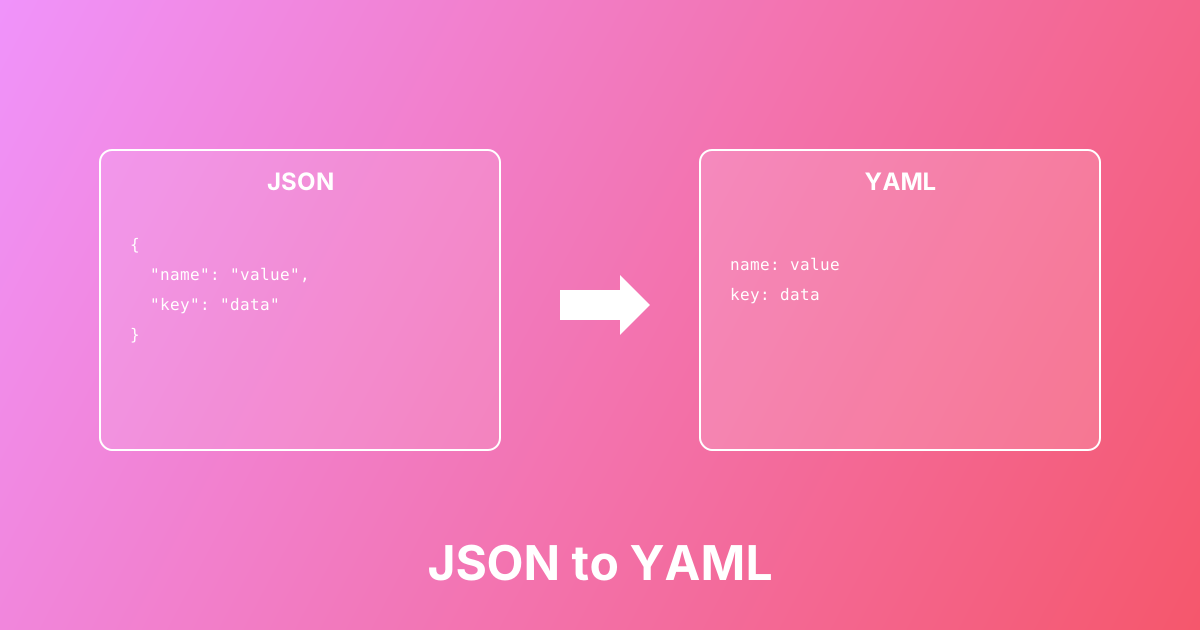
Convert between JSON and YAML formats easily. Learn the differences, use cases, and best practices for configuration files.
Convert Unix timestamps to human-readable dates (and back) with UTC/local timezone display — supports seconds and milliseconds
Unix Timestamp Converter helps you convert epoch time to a readable date and convert a date back to a Unix timestamp. Unix time is the number of seconds (or milliseconds) since January 1, 1970 (UTC) and shows up everywhere: server logs, database fields, API responses, analytics events, job schedulers, and JWT expiration claims. This tool auto-detects 10-digit timestamps (seconds) vs 13-digit timestamps (milliseconds), displays the result in UTC and local time, and makes it easy to avoid common timezone mistakes when debugging production systems.
Paste a Unix timestamp (seconds or milliseconds) into the input
Or paste a date/time string (ISO 8601, common formats, or readable dates)
Click Convert to generate the result instantly
Review UTC and local timezone output to confirm the expected time
Copy the converted timestamp or formatted date for logs, APIs, or code
Convert timestamps from server logs into readable incident timelines
Verify API event times by converting timestamp fields to dates
Convert database epoch columns into human-readable values for debugging
Fix timezone bugs by comparing UTC output with local time output
Create timestamps for cron jobs, schedules, and delayed execution
Check JWT exp/iat/nbf timestamps when debugging authentication
epoch → date and date → epoch
Auto-detects seconds (10-digit) vs milliseconds (13-digit) timestamps
Displays UTC and local timezone results to reduce confusion
00:00Z)
Accepts readable date formats (e.g., December 25, 2022)
Instant in-browser conversion (no uploads, privacy-friendly)
Learn more about this tool with our in-depth guides
Convert between JSON and YAML formats easily. Learn the differences, use cases, and best practices for configuration files.