•7 min read
How to Format JSON in 2026
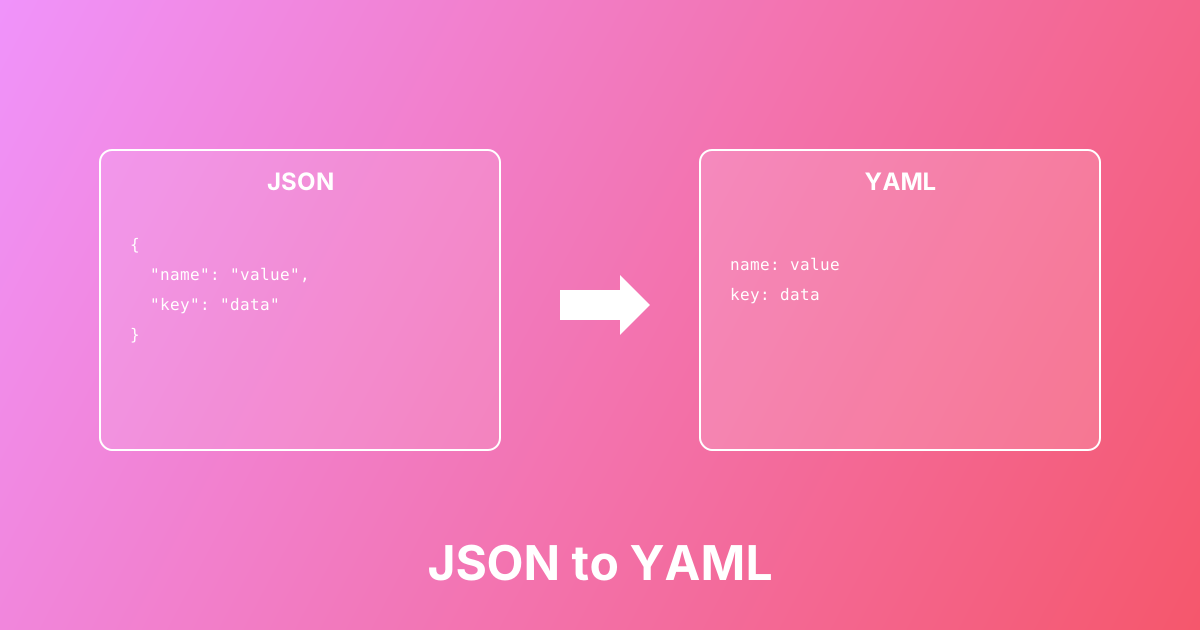
Convert between JSON and YAML formats easily. Learn the differences, use cases, and best practices for configuration files.
Convert HEX, RGB/RGBA, HSL/HSLA instantly with live preview — perfect for CSS variables, Tailwind, design tokens, and UI theming.
Converted color values will appear here...
Color Converter is a developer-friendly CSS color converter that translates color values between HEX, RGB/RGBA, HSL/HSLA and shows a live preview. Different workflows prefer different formats: HEX is popular for design tokens and CSS variables, RGB/RGBA works well for programmatic styling and overlays (alpha), and HSL/HSLA is ideal for theme systems because hue, saturation, and lightness can be adjusted independently (great for dark mode and brand palettes). Paste any supported color string and the tool auto-detects the format, outputs all equivalents at once, expands shorthand HEX (#RGB/#RGBA), and preserves transparency so you can copy/paste the exact format you need into CSS, Tailwind, Figma tokens, or component libraries — locally in your browser.
Paste a color value into the input (HEX, RGB, RGBA, HSL, or HSLA)
The tool auto-detects the format and parses it immediately
See equivalent values for HEX, RGB/RGBA, and HSL/HSLA
Use the live preview to confirm you’re copying the intended color
Copy the format you need for CSS variables, design tokens, Tailwind config, or UI code
If you’re working with transparency, prefer RGBA/HSLA and keep alpha preserved
Convert HEX → RGB for css rgb() / rgba() usage
Convert RGB → HEX for design tools, tokens, and CSS variables
Use HSL to generate themes by adjusting lightness/saturation (dark mode)
Preserve alpha for overlays, shadows, hover states, and glassmorphism UI
Translate colors between Figma and code (design tokens workflow)
Normalize color formats across a component library or design system
Expand short HEX (#F80 / #F80C) into full 6/8-digit hex
Validate pasted colors from the web (ensure correct syntax + expected output)
Accurate conversion between HEX, RGB, RGBA, HSL, and HSLA
Live preview swatch so you can verify visually before copying
Auto-detects input format (paste any supported CSS color string)
Expands shorthand HEX (#RGB and #RGBA) to full HEX (#RRGGBB / #RRGGBBAA)
Preserves alpha (transparency) for RGBA/HSLA and 8-digit HEX
Copy-ready outputs for CSS variables, Tailwind config, and design tokens
runs in your browser (no uploads)
Learn more about this tool with our in-depth guides
Convert between JSON and YAML formats easily. Learn the differences, use cases, and best practices for configuration files.