•7 min read
How to Format JSON in 2026
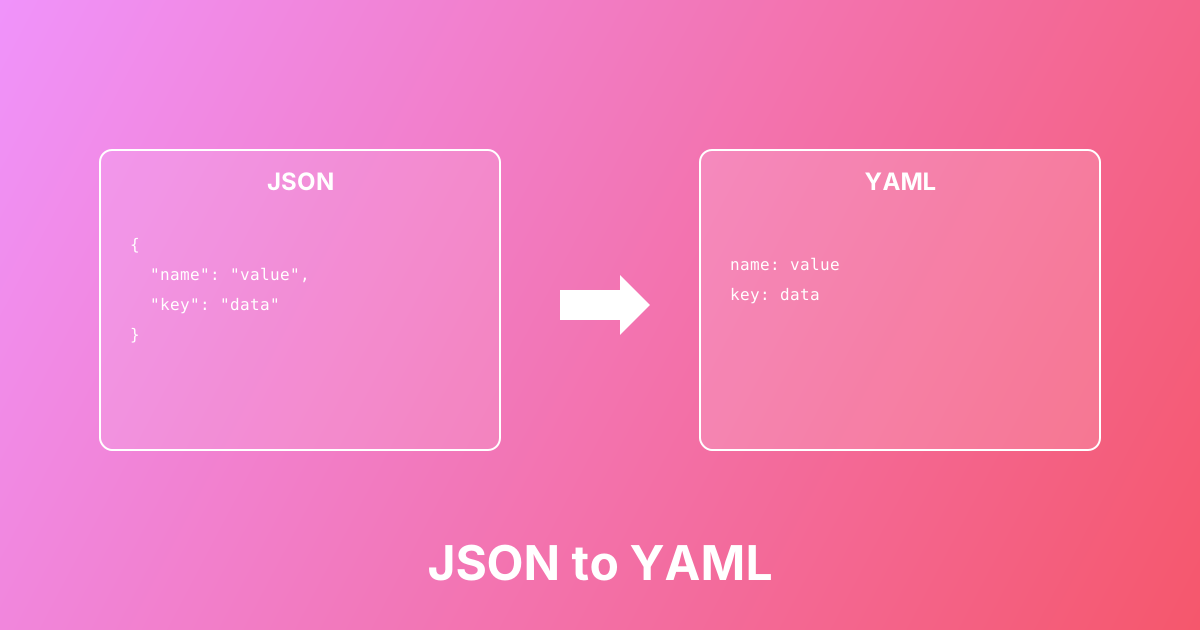
Convert between JSON and YAML formats easily. Learn the differences, use cases, and best practices for configuration files.
Convert Markdown to HTML or HTML to Markdown with clean output — great for docs, README files, and content migration
Markdown ↔ HTML Converter helps you switch between Markdown syntax and HTML markup without rewriting content manually. Markdown is popular for README files, wikis, and documentation because it's simple to write, while HTML is the standard format for rendering web pages and rich content. Use this converter to migrate articles, generate HTML for a site, convert HTML from a CMS into editable Markdown, and keep documentation workflows fast and consistent.
Paste Markdown or HTML into the input area
Choose the conversion direction (Markdown → HTML or HTML → Markdown)
Click Convert to generate the output
Review formatting (especially tables and nested lists)
Copy the result into your docs, CMS, or website
Convert Markdown docs into HTML for websites and portals
Convert HTML articles into Markdown for GitHub/Notion/wiki editing
Migrate content between a CMS and a Markdown-based docs system
Generate HTML for email templates or static site builders
Clean up messy HTML by converting to simpler Markdown for editing
Markdown → HTML and HTML → Markdown
Supports headings, lists, links, images, code blocks, and tables
Produces readable output (not minified noise)
Useful for documentation and content workflows
Runs locally in your browser (no uploads)
Learn more about this tool with our in-depth guides
Convert between JSON and YAML formats easily. Learn the differences, use cases, and best practices for configuration files.