•8 min read
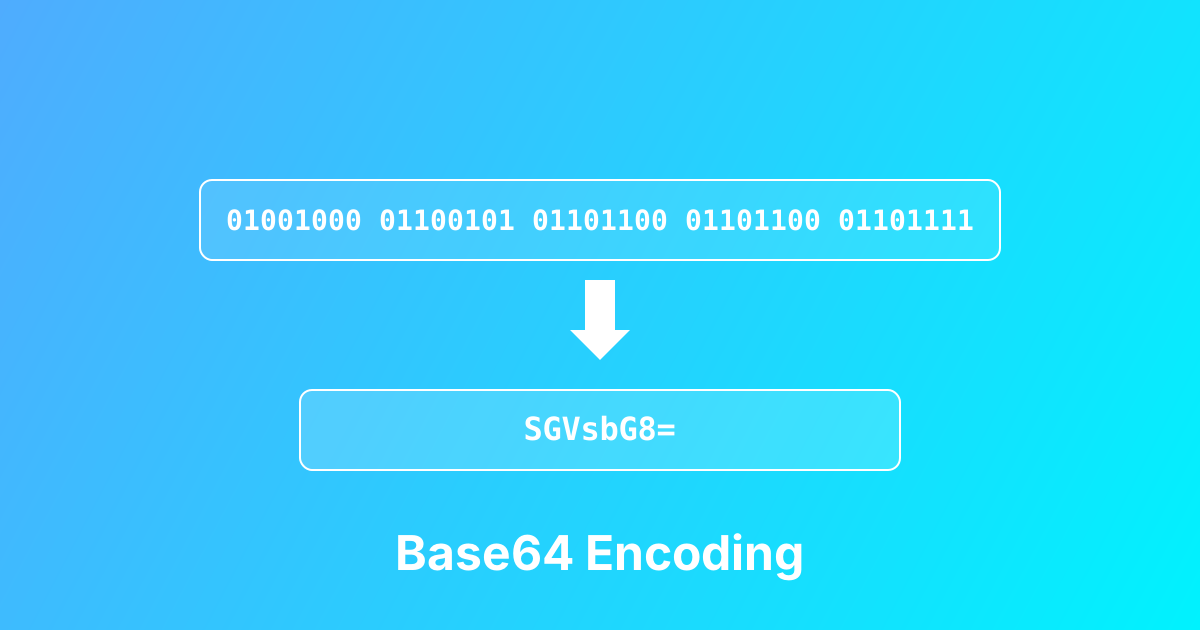
Base64 Encoding and Decoding: Complete Developer Guide
Master Base64 encoding and decoding with practical examples. Learn when to use it, common pitfalls, and best practices for handling binary data.
Decode HTML entities back to original characters for parsing and content processing
This HTML Entity Decode tool converts HTML entities back into their original character representations. When working with web content, APIs, or databases, you often encounter encoded entities like <, >, &, ", and ©. This tool decodes these entities back to <, >, &, quotes, ©, and other characters, making the content readable and usable. It handles both named entities and numeric entities (decimal and hexadecimal).
Paste HTML content containing entities (e.g., <div> or <)
Click Decode to convert entities back to characters
Copy the decoded output for use in your application
Use for API parsing, content processing, or debugging
Decode entities from API responses and web services
Parse RSS feeds and XML data with HTML entities
Convert CMS output with encoded special characters
Process email templates containing HTML entities
Debug web scraping results with visible entities
Convert legacy content with entity encoding
Decodes all standard HTML entities
Supports named entities (<, ©, )
Handles numeric entities (<, <)
One-click copy to clipboard
Works locally in your browser - no server upload
Learn more about this tool with our in-depth guides
Master Base64 encoding and decoding with practical examples. Learn when to use it, common pitfalls, and best practices for handling binary data.
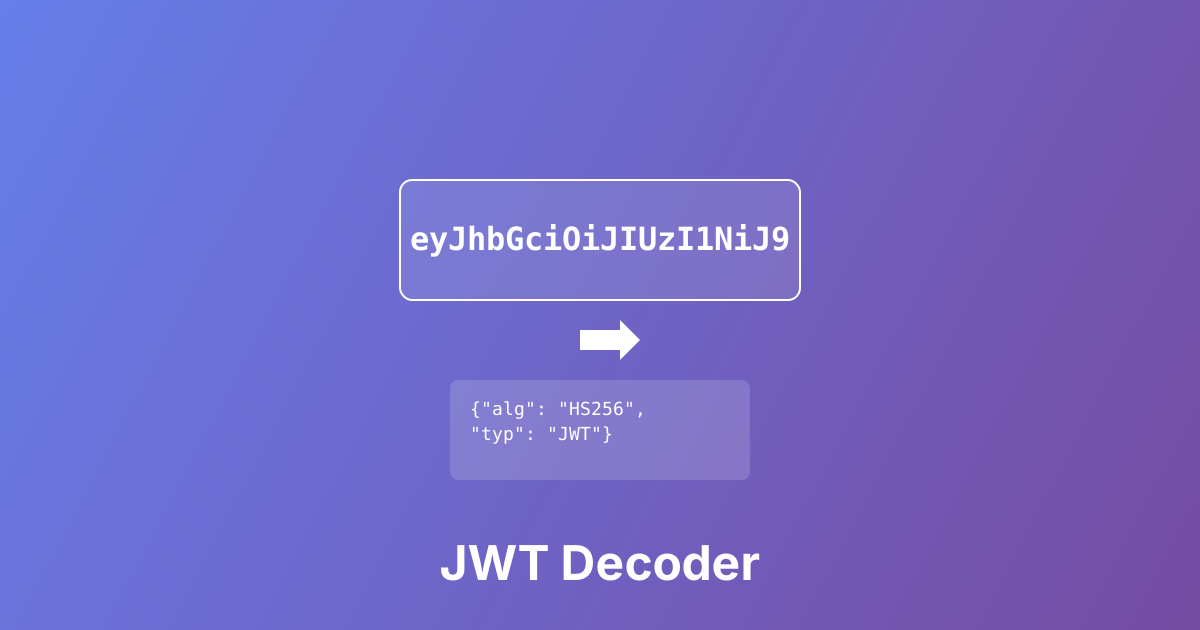
Learn how to decode and validate JWT tokens. Understand JWT structure, security best practices, and common use cases.